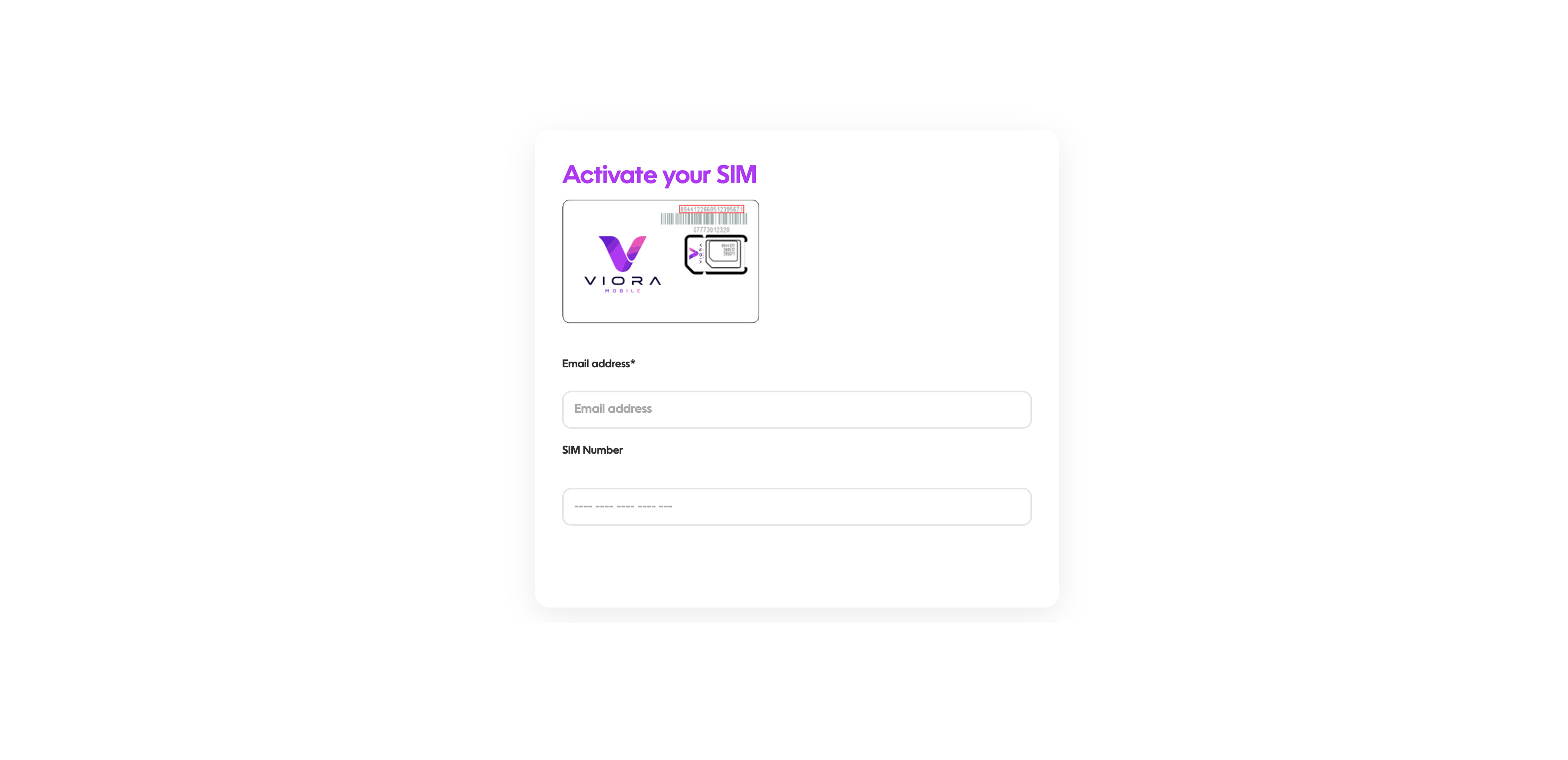
Click on My iQom at the top or bottom of the page and enter your email address or mobile number and the password received when you activated your account, Here you can find everything you need. If you have forgotten this click (Forgotten password) and a reset password link will be emailed directly to you.
Here at iQom we still offer Roam Like at Home (on all subscriptions as default) In all 41 countries of Zone 1: Austria, Belgium, Bulgaria, Croatia, Cyprus, Czech Republic, Denmark, Estonia, Faroe Islands, Finland, France, French Guiana, Germany, Gibraltar, Greece, Guadeloupe, Guernsey, Hungary, Iceland, Ireland, Isle Of Man, Italy, Jersey, Latvia, Liechtenstein, Lithuania, Luxembourg, Malta, Martinique, Netherlands, Norway, Poland, Portugal, Reunion Island, Romania, San Marino, Slovakia, Slovenia, Spain, Sweden, Switzerland.
You can use up to 25GB* of your data allowance while away please check your package for amount. Sole Roam package is exempt of this limit and Data fair use. You are due to fair usage while roaming and your phone call should be cut off after 2 hours per call, but then you would be able to make another call right away.
We do everything we can to give every customer a great experience, we understand that some things don’t always go the way they should. That’s why we are here to listen and make your experience as smooth as possible. Why not use our live chat to speak to one of our team members. Or click CONTACTS US and you will find an easy to use form that will give us the information we need to help. Give us the opportunity to put it right.
If you are using a router and your sim doesn’t work after activation, please check your APN settings are: Name: EE Internet APN: everywhere Username: eesecure Password: secure MMSC: http://mms/ MMS Proxy: 8080 Authentification Type: PAP APN Type: internet+MMS Alternatively some routers do not allow the first hidden text to be accepted, please place the sim into a mobile phone make a call and put back into your router.
Visit My iQom at the top or bottom of the page and enter your email address or mobile number and the password you received when you activated your account, If you have forgotten your password please click (Forgotten password) and a reset password link will be emailed directly to you.
You can see this by clicking on My iQom at the top of the page and enter your email address or mobile number and the password received when you activated your account, At the top of the screen you will see your usage. If any of these are on “0″ you are out of credit/data. Don’t worry, you can top-up from your account and it will be activated within minutes.
Feel free to give us a like and share across all our socials, you can find us on Facebook, Instagram and LinkedIn or why not look at our affiliate scheme contact care@vioramobile.com and earn for yourself whilst sharing our brand?
This will be due to the default Strict Data policy in Parental Controls. To change this login to My iQom, select My Sims. Click show/change and scroll down. there you will find Parental Controls. Select which level you prefer and click change. You will receive a text and give it 30 mins turn your phone on and off and you will be able to use the social media apps.
 Basket