sim

iQOM Mobile Logo
Onboarding Guide

1 Purchase & Setup: Physical SIM

How to Buy

Visit vioramobile.com, click on SIM Only Plans, and place your order today.

Next Steps

  • Watch for your Order Number in your email (check Junk folder).
  • Your SIM + Welcome Letter will be dispatched the next day.
  • Install the SIM (Standard, Micro, Nano supported).

2 Purchase & Setup: eSIM

How to Buy

Select eSIM during checkout at vioramobile.com.

Installation

  • Receive your eSIM Install Details instantly.
  • Install via links or QR Code.
  • Check your Welcome Letter email for SIM number.

Activation Process

Once installed, activate using:

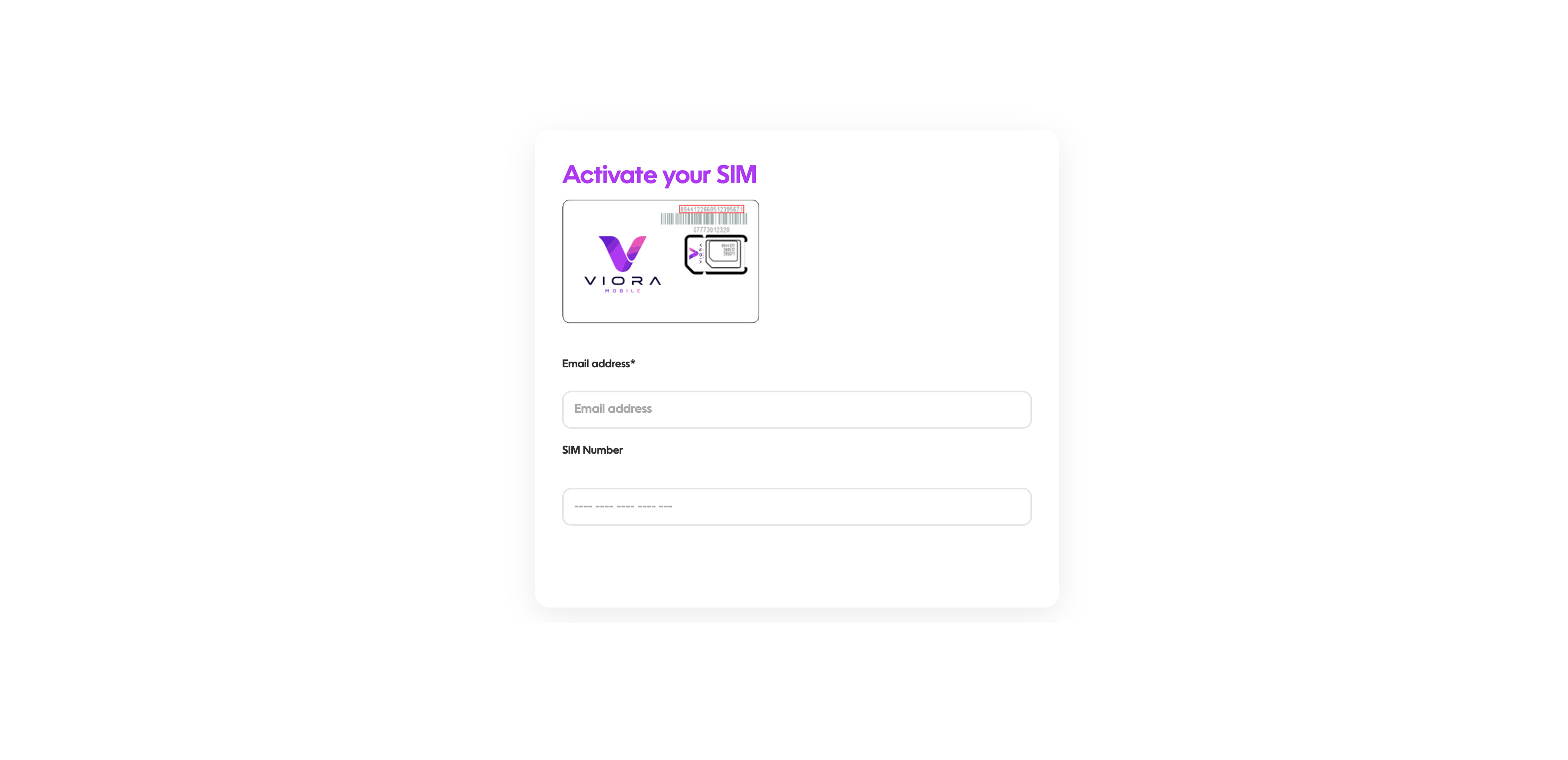
Activation Screenshot
Activation takes approx. 2 hours.
Need help? care@vioramobile.com